> For the complete documentation index, see [llms.txt](https://help.flowerbuddy.co/llms.txt). Markdown versions of documentation pages are available by appending `.md` to page URLs; this page is available as [Markdown](https://help.flowerbuddy.co/reference/inventory/purchases/record-purchases-receipts-and-stock.md).
# Record purchases, receipts, and stock
Use each action when the physical item reaches that stage. These records are internal inventory movements. They do not send an order, charge a payment method, or contact a supplier.
## Record a purchase
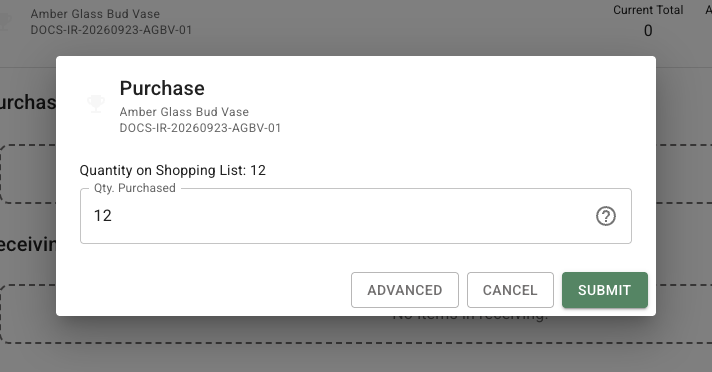
On a Shopping List row, select **Mark items as purchased**. You can also select **Add Item** in **Purchased** when the item was not first on the Shopping List. Confirm the Inventory item, enter the purchased quantity, and select **Submit**. FlowerBuddy increases **Purchased** and Total, and reduces **Quantity Needed** up to zero. For example, buying 12 requested vases adds 12 to Purchased and clears a 12-piece request.
## Record receipt and stock
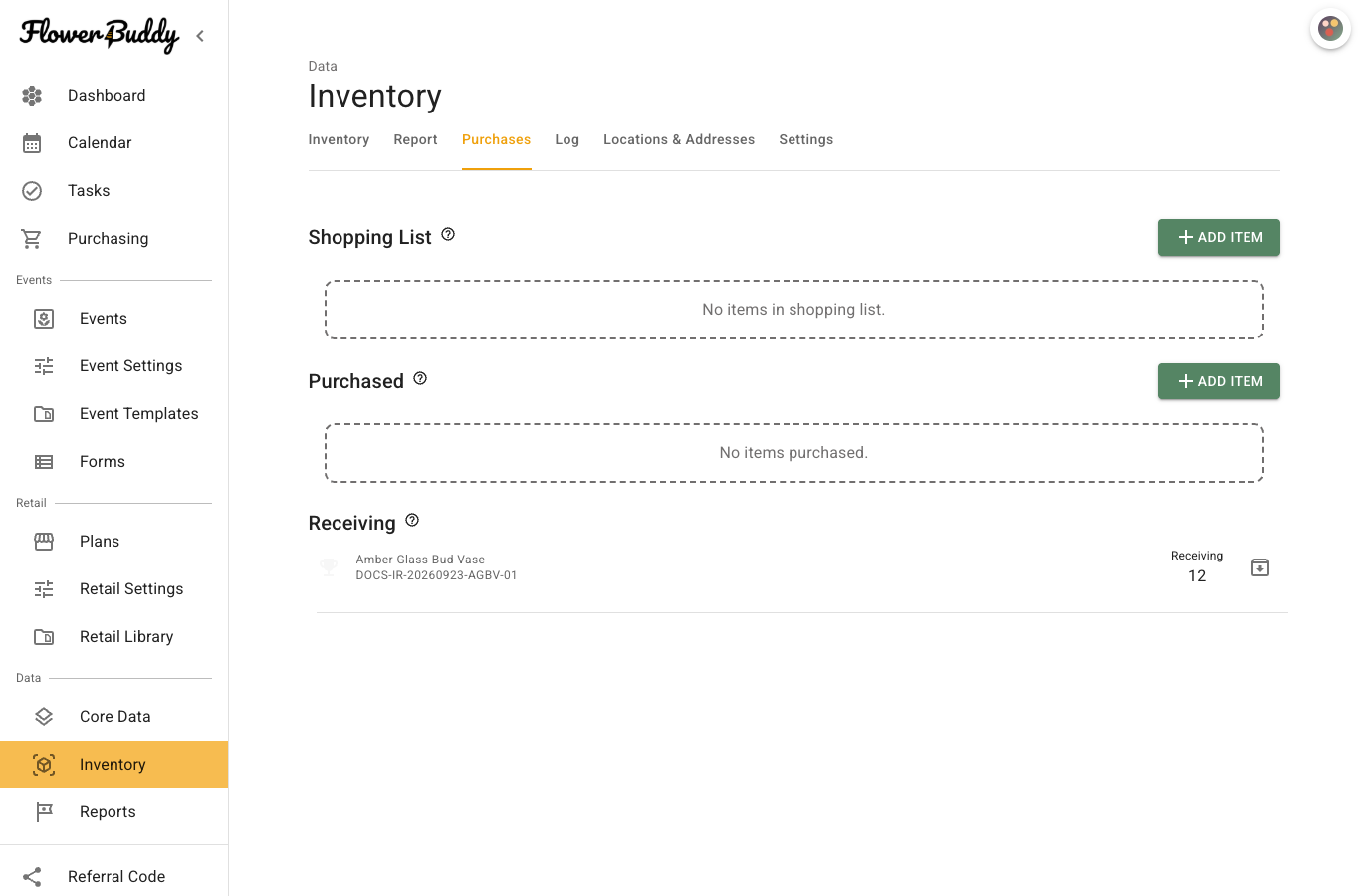
When the delivery arrives, select **Mark items as received** on the Purchased row, or use **Add Item** in **Receiving**. Enter the quantity received and any lost, stolen, or damaged count, then select **Submit**. Received pieces move from Purchased to Receiving. A loss reduces Total, so record 11 received and one lost when a 12-piece delivery is short.
After the pieces are put away, select **Move items to in stock** on the Receiving row. Confirm the quantity and select **Submit**. The item then leaves Receiving and becomes available for a Pull. Review [Log](/reference/inventory/log.md) if the resulting quantities are unexpected.