> For the complete documentation index, see [llms.txt](https://help.flowerbuddy.co/llms.txt). Markdown versions of documentation pages are available by appending `.md` to page URLs; this page is available as [Markdown](https://help.flowerbuddy.co/reference/events/create-an-event.md).
# Create an event
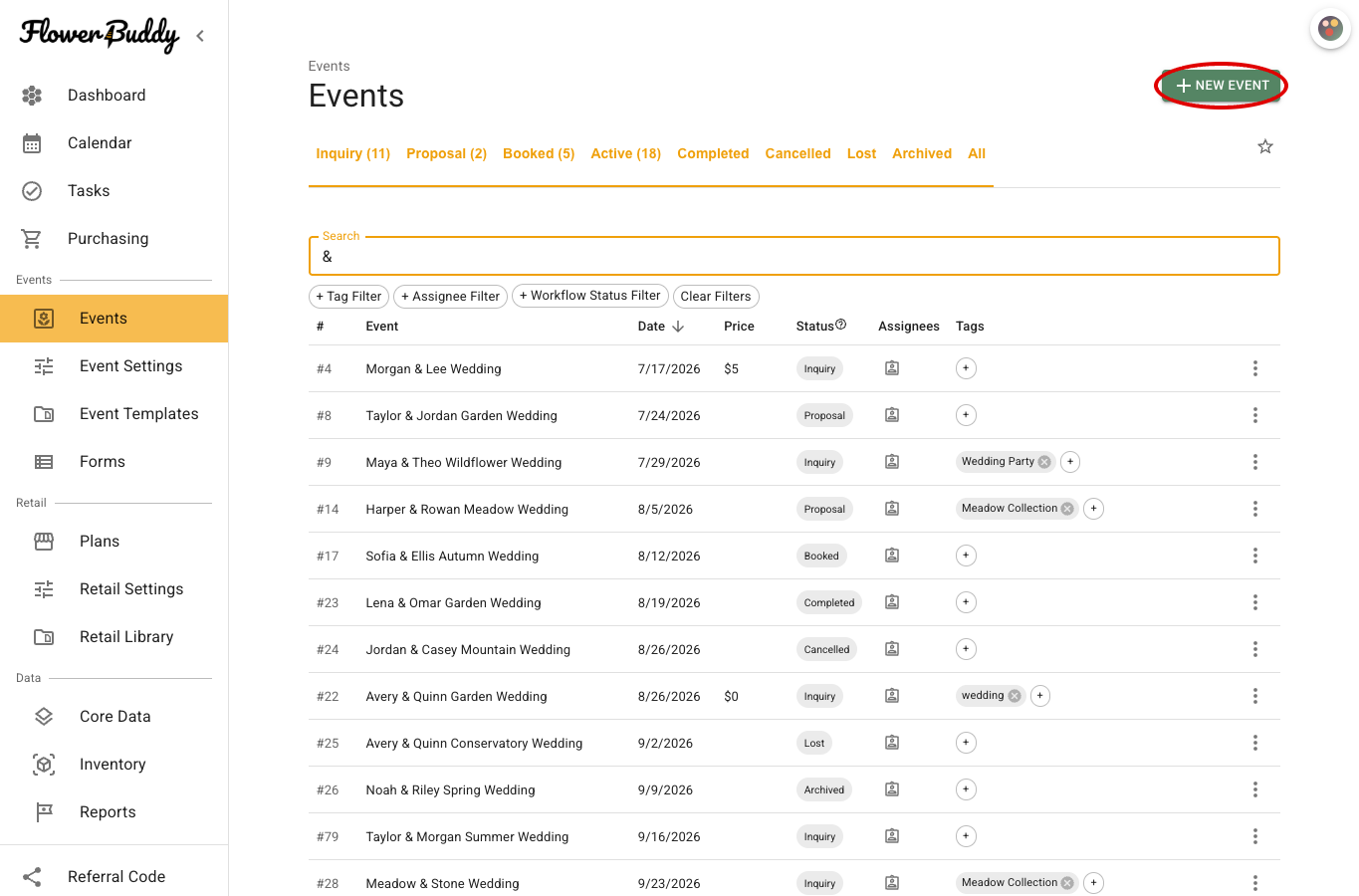
To create an event from the [Events page](/reference/events.md), enter its name and date and, optionally, choose an event template.
## Enter the event name and date
Select **New Event** at the top right of the **Events** page to open the creation dialog.
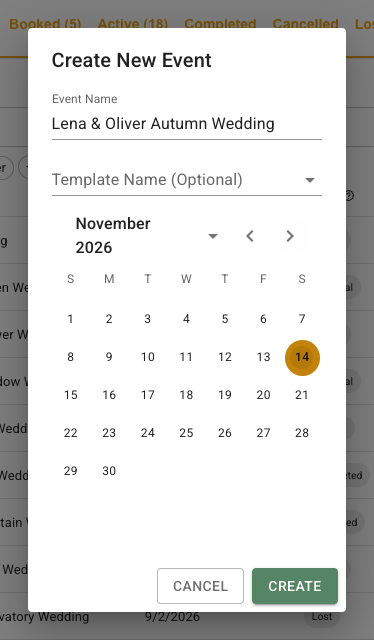
Enter an **Event Name** your team will recognize, such as "Lena & Oliver Autumn Wedding," and select the **Event Date**. Both are required before you can select **Create**.
## Choose an optional event template
Select a template in **Template Name (Optional)** to use a saved event setup. Leave it blank to use the defaults from **Event Settings**. Later changes to that template or those defaults do not change this event.
In this example, the event has a name and date and no template selected. It is ready to create.
You can also [apply a template later](/reference/event-page/details/apply-event-template.md), such as after learning more about the client's plans.
## Create the event
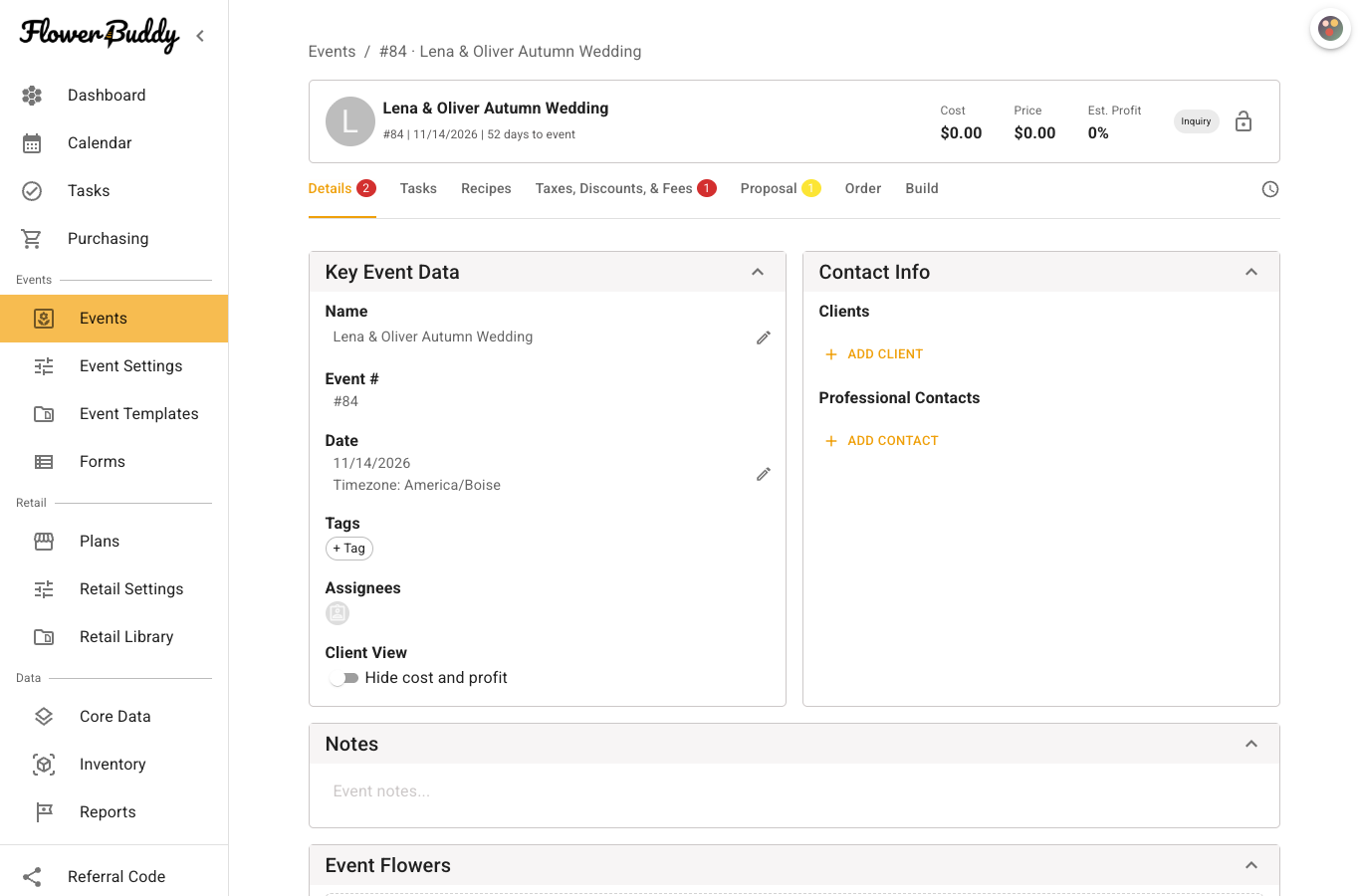
Select **Create**. The new [Event Page](/reference/event-page.md) opens with the event's name, number, date, and initial **Inquiry** status above its tabs. You can now add the client and other event details.
The event also appears on the **Events** page, where you can find and reopen it.