> For the complete documentation index, see [llms.txt](https://help.flowerbuddy.co/llms.txt). Markdown versions of documentation pages are available by appending `.md` to page URLs; this page is available as [Markdown](https://help.flowerbuddy.co/reference/events/create-a-template-from-an-event.md).
# Create a template from an event
Create an event template when an existing event contains setup you want to reuse for future events. Choose this when the goal is reusable starting structure, not a second event with similar information.
## Save reusable setup
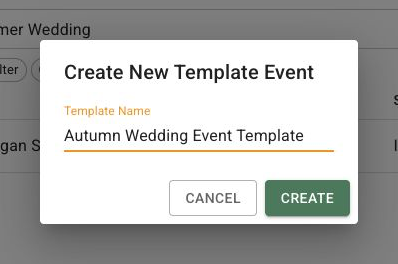
On the **Events** page, open the action menu for an event you can edit. Select **Create Template From Event**, enter a name in **Template Name**, and select **Create**. The new template saves reusable event setup while the source event remains unchanged.
The **Create New Template Event** dialog is where you enter the reusable template name before creating it.
## Use the new template
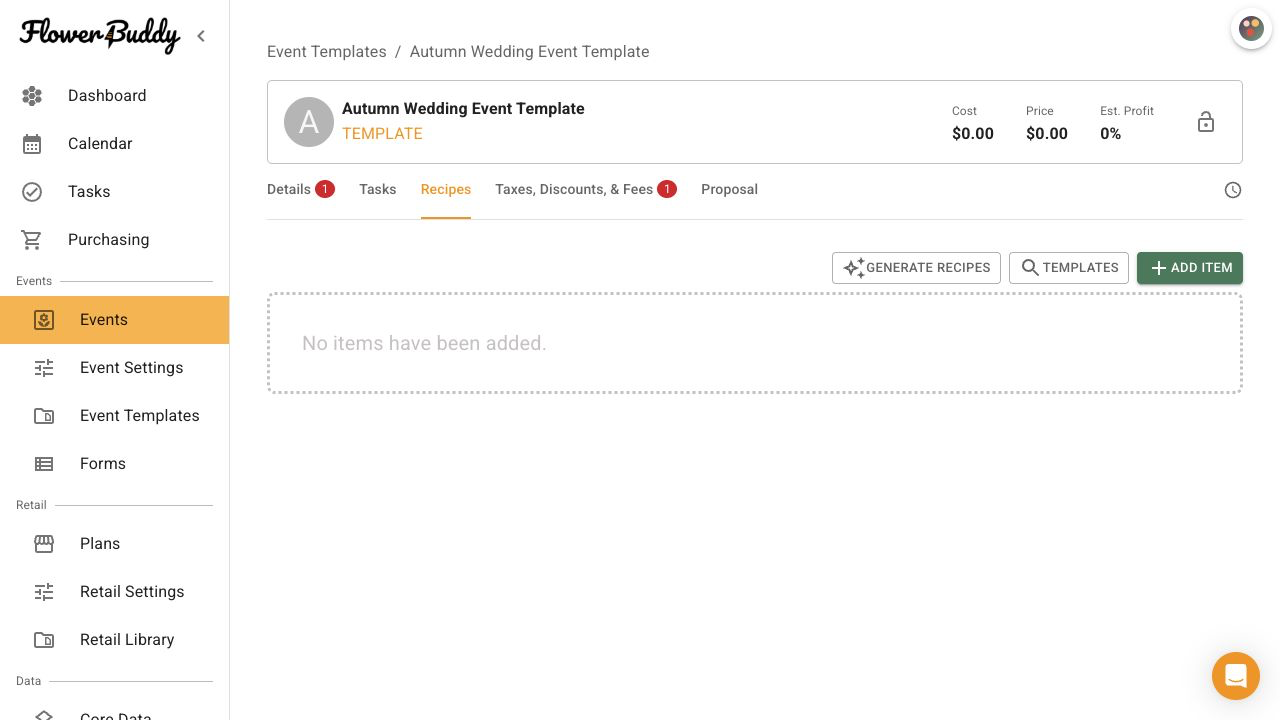
After you select **Create**, the dialog closes and the new template's Event Page opens. You can use the template when creating another event, while later edits to the template do not update events that already exist.
Creating a template does not duplicate the event, change its main status, sign its contract, or record a payment. Use the separate duplicate action when you need another event record instead.